1. Configure your business information
Choose how the agent should handle calls and provide your business information, FAQs and intake questions. Review the agent’s settings and publish changes before relying on them for live calls.
2. Connect your phone number
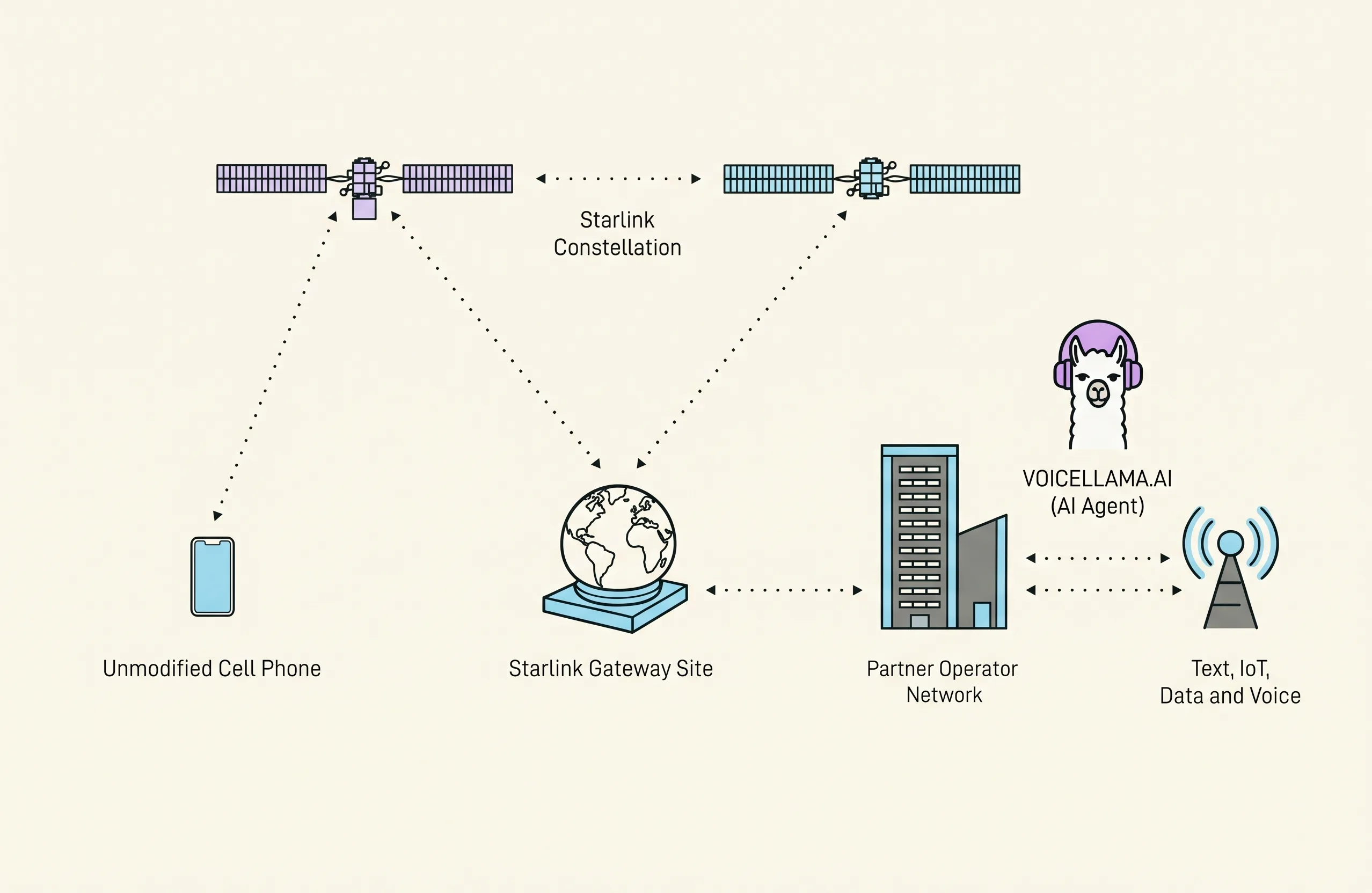
VoiceLlama.ai works with Starlink Mobile and is compatible with any carrier. VoiceLlama provides a business phone number. To keep your existing published number, forward calls from your current number to the VoiceLlama line. All-call, missed-call and after-hours routing depend on your carrier or office phone system; forwarding is not number porting.
3. Let VoiceLlama handle the first conversation
The configured agent can answer questions from the information you supplied and collect caller details. In voicemail mode, it gathers a message for you to review rather than promising actions it cannot perform.
4. Review and follow up
Review the available call summary, transcript and captured details in your account. Email recaps depend on your notification settings. Your team remains responsible for following up and confirming requests.
What should I check before going live?
Test your own forwarding setup and published agent. Confirm its answers, intake questions, notifications and recording notices. AI may make mistakes; do not use VoiceLlama for emergencies or high-risk decisions.